How to Automate Client Onboarding in 5 Practical Steps
A practical five-step plan to automate client onboarding: contracts, payments, forms, account setup and kickoff, without losing the personal touch.
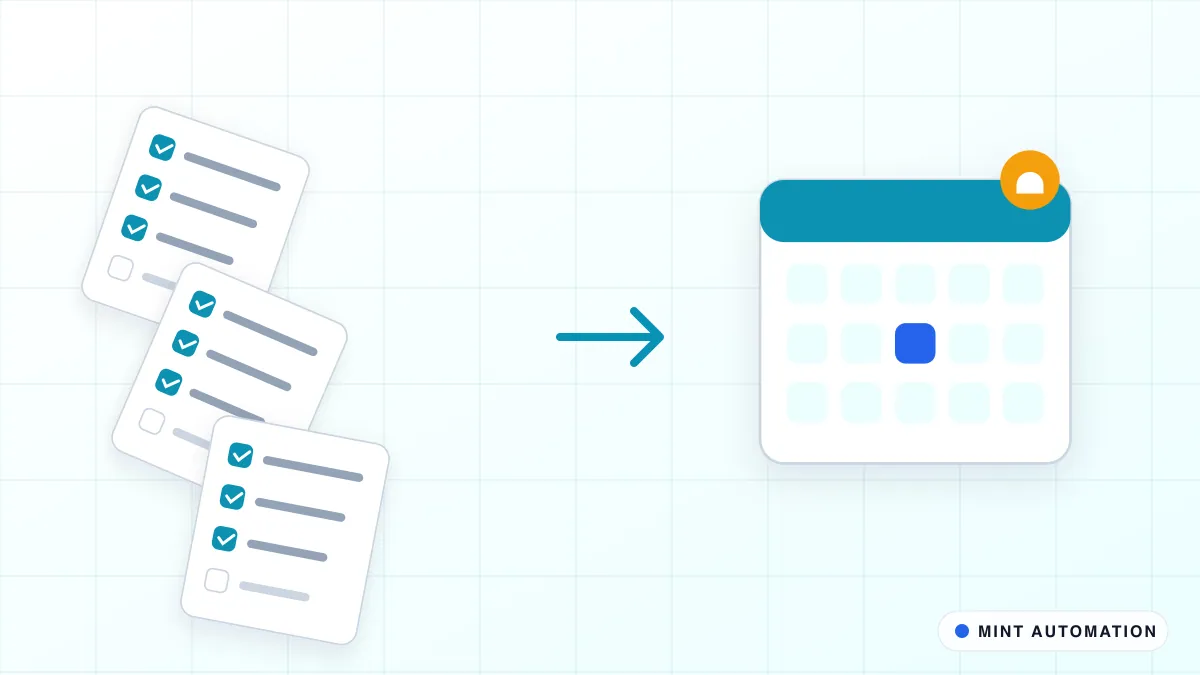
Client onboarding automation connects the steps between “yes, let’s go ahead” and “the work has started”, so contracts, payments, forms, account setup and the kickoff happen in the right order without someone chasing each one by hand. Done well, clients get a faster and more professional start, and your team stops re-typing the same details into five different tools.
This guide gives you a five-step plan you can follow, whether you run an agency, an accounting practice, a consultancy or any business that onboards clients regularly.
Why manual onboarding causes problems
Onboarding is usually the first real experience a client has of working with you, and it is often the most manual part of the business. A typical sequence looks like this: send a proposal, wait for a signature, create an invoice, wait for payment, send a questionnaire, chase the questionnaire, create a CRM record, set up a shared folder, add the client to a project board, invite them to a portal, and finally book a kickoff call.
Each step depends on the one before, and each handover is a chance for delay. The common symptoms are easy to recognise:
- Clients wait days between signing and hearing anything useful.
- The same information is requested twice because it was captured in one tool and needed in another.
- Steps get missed when the person who usually handles onboarding is away.
- Nobody can say at a glance which new clients are stuck, and where.
Step 1: Map your onboarding exactly as it happens today
Before automating anything, write down every step from accepted proposal to first piece of delivered work. Talk to the people who actually do it. For each step, note:
- The trigger. What tells someone to do this step? A signature, a payment, an email?
- The information needed. Which details does the step use, and where do they come from?
- The tool. Where does the step happen?
- The owner. Who is responsible if it does not happen?
You will almost always find steps that exist only out of habit, information collected twice, and at least one step that depends on someone remembering. Fix those on paper first. Automation should follow a clean process, not preserve a messy one. Our process guide on what to automate and what to keep human can help with that sorting.
Step 2: Automate the paperwork: contract, invoice and payment
The first block of onboarding is usually the most rule-based, which makes it the best place to start.
- When a deal is marked as won in your CRM, the contract is generated from a template with the client’s details already filled in and sent for e-signature.
- When the contract is signed, the first invoice or deposit request is created automatically with the agreed amount and payment link.
- When payment is received, the deal moves to the next stage and the onboarding sequence continues. If payment has not arrived within a set number of days, a polite reminder goes out and the account lead is notified.
This removes the most common delay, the gap between “signed” and “invoiced”, and it means no client starts work without the agreed paperwork in place.
Step 3: Collect client information once
Most onboarding needs information from the client: company details, contacts, brand assets, access credentials, preferences. The aim is to ask once and reuse it everywhere.
- Send a single, well-designed form immediately after payment instead of several emails.
- Ask only for what you need now. Long forms get abandoned.
- Use the answers to fill the CRM record, the project board and the shared folder automatically.
- Send automatic reminders if the form is not completed, and alert the account lead if it is still outstanding after a few days.
A good onboarding form usually covers four things: who the client’s main contacts are and how they prefer to be reached, the billing details you need for invoices, the assets or documents you need to start, and the goals or success measures for the first month. Anything beyond that can wait for the kickoff call, where it is easier to ask follow-up questions in conversation.
Never collect passwords in plain email or form fields. Use a proper password-sharing or access-request method, and automate the reminder rather than the credential itself.
Step 4: Set up accounts, folders and projects automatically
Once you have the information, the internal setup can run without anyone clicking through it:
- Create the client’s shared folder with your standard structure and permissions.
- Create the project in your project management tool from the right template for the service they bought.
- Add the right team members and assign the first tasks with due dates.
- Invite the client to any portal or shared workspace they will use.
- Post a short summary to the team channel so everyone knows a new client has started.
This is where integrations between your tools do the heavy lifting. See how MINT approaches API and app integrations, or start from the ready-made Client Onboarding Workflow Pack.
Step 5: Schedule the kickoff and keep the personal touch
The final step should bring a person back into the loop on purpose:
- Send the client a booking link for the kickoff call, offering only times when the right team members are available.
- Send confirmations and reminders automatically, by email or WhatsApp, so attendance stays high. The Booking & Reminder Suite covers this.
- Before the call, give the account lead a one-page summary of everything collected so far, so the conversation starts with understanding rather than questions.
- After the call, trigger the first delivery tasks and a short check-in message a week later.
The welcome conversation, setting expectations and handling anything unusual should always be human. Automation gives your team the time to do those things properly.
How onboarding differs by type of business
The five steps apply almost everywhere, but the details change with the kind of client relationship you have:
- Marketing and creative agencies. The bottleneck is usually access and assets: ad accounts, website logins, brand files. Automate the access requests and reminders, and create the project board from a template that matches the package the client bought.
- Accounting and bookkeeping practices. Identity checks, engagement letters and document collection dominate. Automate the engagement letter, the secure document request and the reminders, and keep the review of identity documents with a qualified person.
- Consultancies and IT service providers. Scope varies more from client to client, so automate the fixed parts (contract, invoice, workspace, kickoff booking) and leave scoping workshops entirely human.
- Training and coaching businesses. Onboarding often repeats for every cohort. Automate enrolment confirmations, payment plans, welcome packs and session reminders, so the coach’s time goes into the sessions themselves.
- B2B suppliers and wholesalers. New trade accounts need credit checks, price lists and portal access. Automate the account application and setup, and route the credit decision to a person.
Whatever your sector, the principle is the same: automate collecting, creating and reminding; keep deciding, advising and welcoming human.
What to measure
Track a few simple measures before and after automating, so you can see whether it is working:
| Measure | Why it matters |
|---|---|
| Days from signed contract to kickoff | The clearest sign of a faster start |
| Share of clients who complete the form without chasing | Shows whether your form is the right length |
| Number of onboarding steps missed or redone | Captures quality, not just speed |
| Team hours spent per new client | The time you get back |
| Client questions during the first month | Fewer basic questions means clearer onboarding |
If you want to turn these into a cost case, our guide to calculating the ROI of automation shows how.
Common mistakes to avoid
- Automating every exception. Build for the normal path and route unusual cases to a person with a clear alert.
- Overloading the first email. One clear next step beats a wall of links and attachments.
- Forgetting internal notifications. If the account lead does not know a client is waiting, automation has only moved the delay.
- No single place to see progress. A simple board or report showing each new client’s stage prevents anyone from slipping through.
- Skipping the human welcome. Clients remember who spoke to them, not which email arrived first.
How Mannveer International (MINT) Can Help
Mannveer International (MINT) designs client onboarding automations around the CRM, e-signature, invoicing, storage and project tools you already use. We map your current onboarding with you, remove the steps that only exist out of habit, and give you a fixed quote before building. A standard onboarding flow is typically delivered in 3 to 7 business days, with clear alerts for anything that needs a person.
After launch we monitor the flow and adjust it as your services and tools change, so every new client gets the same quick, professional start. See our workflow automation work for more examples of what we connect.
- Request a free automation assessment for your onboarding process
- Contact MINT to describe how you onboard clients today
- Connect with MINT on WhatsApp or by phone
- See MINT case studies for the kind of projects we deliver
FAQ
What parts of client onboarding should be automated?
Automate the predictable steps: sending the contract and invoice, collecting forms and documents, creating records and folders, granting access, and scheduling the kickoff. Keep the welcome call, the expectation-setting conversation and any custom scoping with a person.
Will automated onboarding feel impersonal to clients?
Not if it is designed well. Automation removes waiting and repeated questions, which clients notice as professionalism. Use the time saved for a genuine personal touch, such as a call from the account lead in the first week.
What tools does client onboarding automation work with?
It usually connects the tools you already use: your CRM, e-signature tool, invoicing or payment system, shared drive, project management board and email or WhatsApp. You do not need to replace them to automate the flow between them.
How long does it take to automate client onboarding?
A standard onboarding flow across a handful of tools is typically delivered by MINT in 3 to 7 business days after scoping. Flows with complex approvals or many service variants take longer and are scoped up front with a fixed quote.
Have a repetitive task?
Tell us what your team does by hand. We will tell you honestly whether it is worth automating.